


Reference · Hoopla
Types of leaderboards
Compare Hoopla leaderboard styles and choose how to display rankings and performance.
Leaderboard Display Types
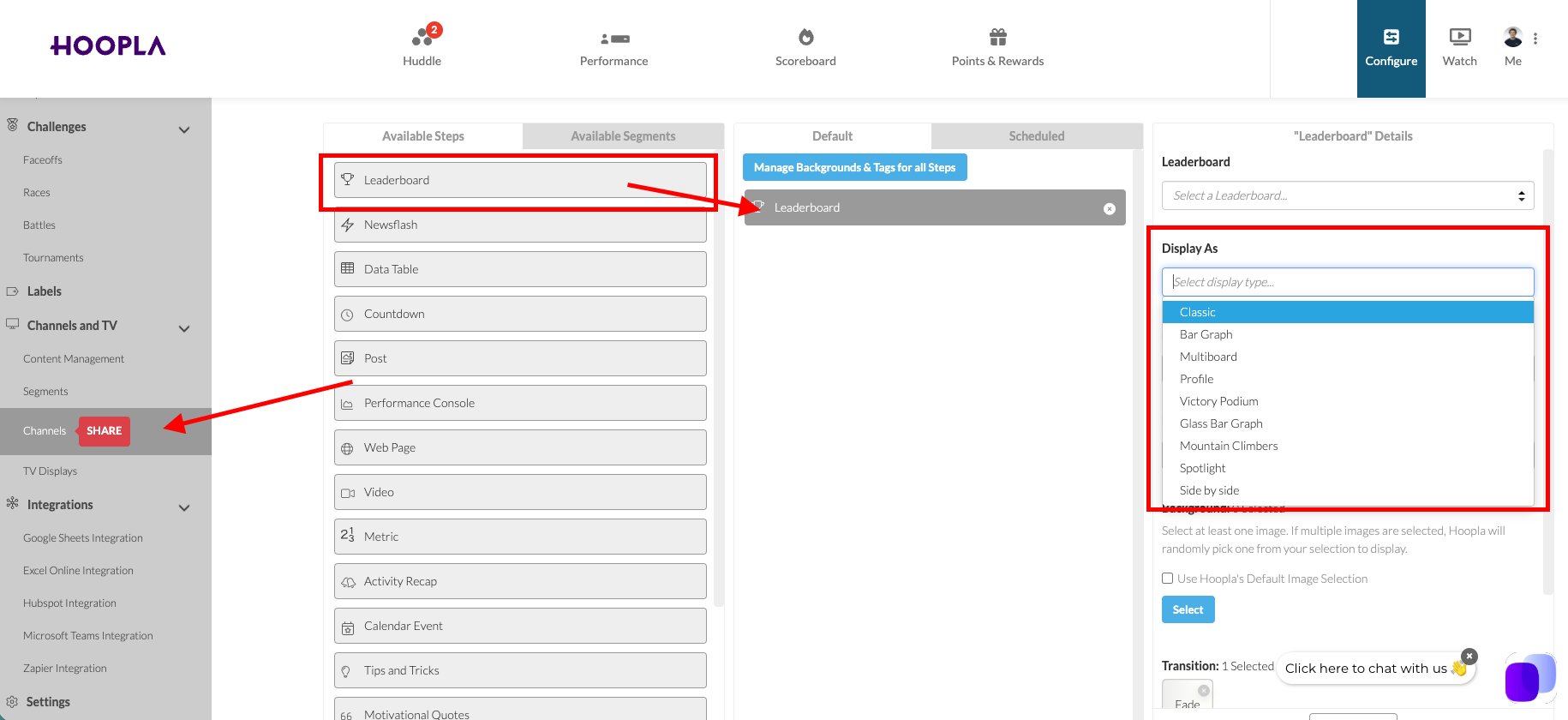
Section titled “Leaderboard Display Types”Leaderboards are added in the channel, to see the leaderboard types, go to channels, drag a leaderboard from the available section to the default section and then use the dropdown for “Display As” to choose the type:
Victory Podium:
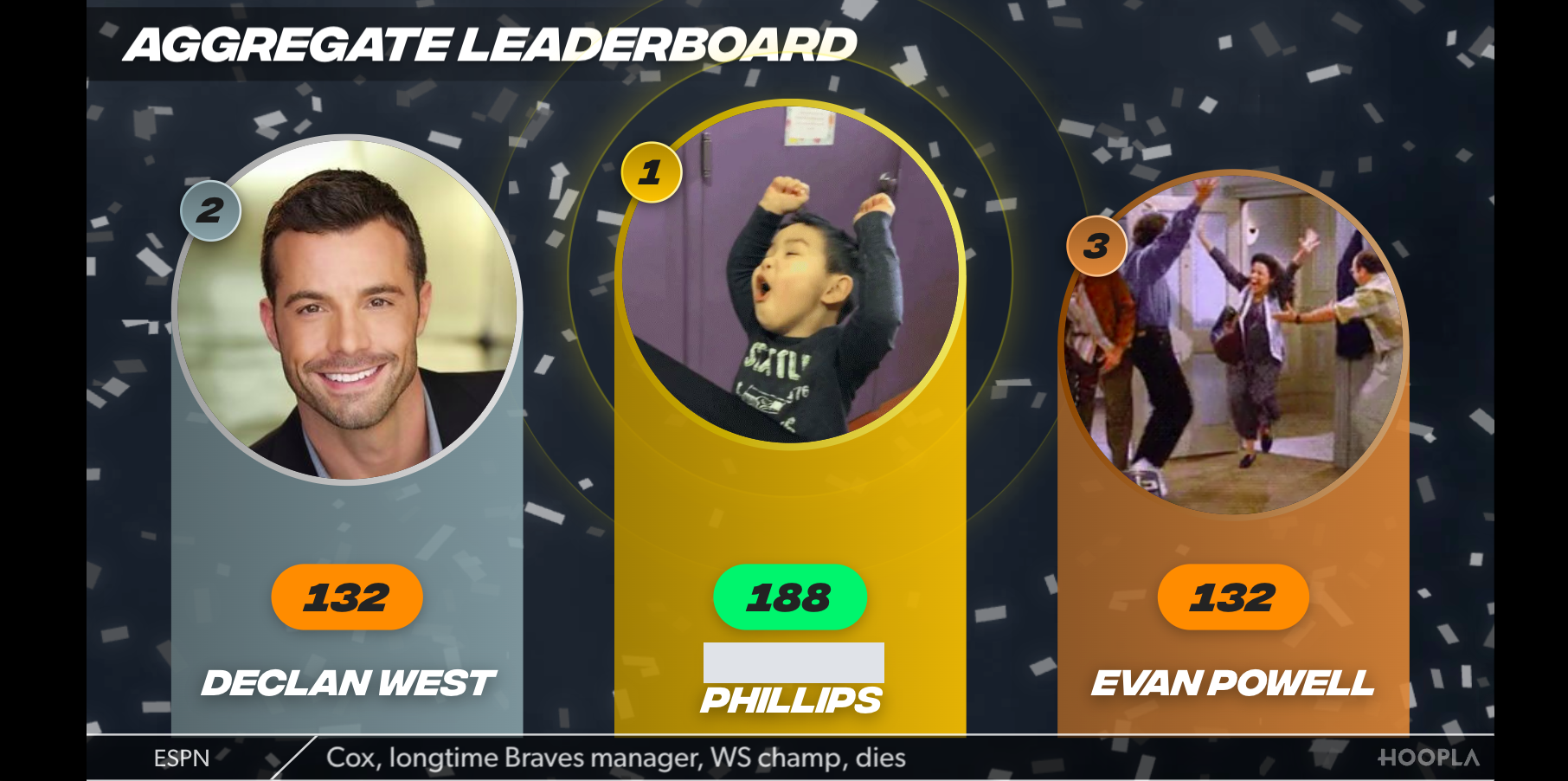
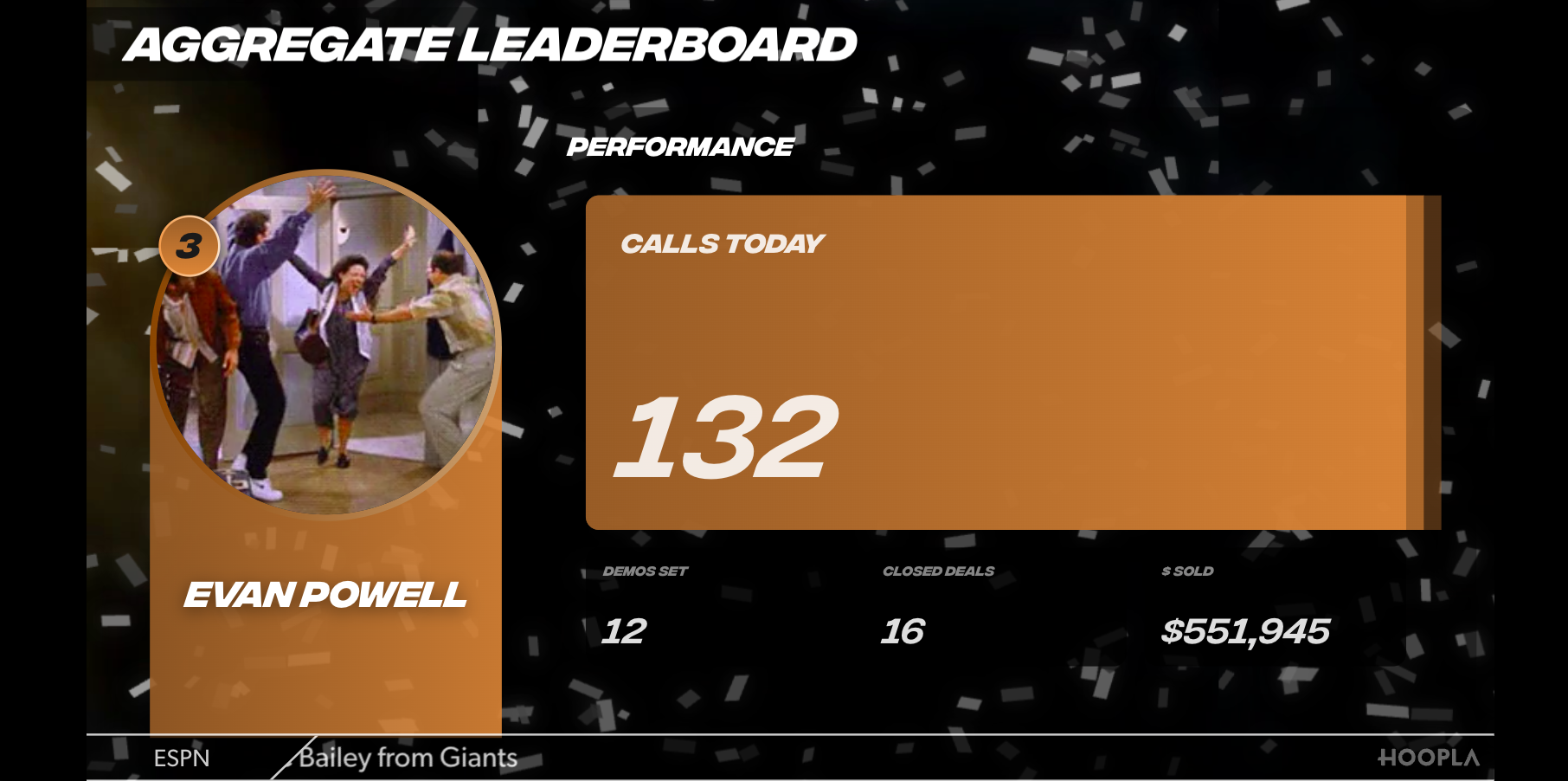
Section titled “Victory Podium:”Will show the top 3 players, then move to highlight the three individually showing all metrics and then shows the full standings.
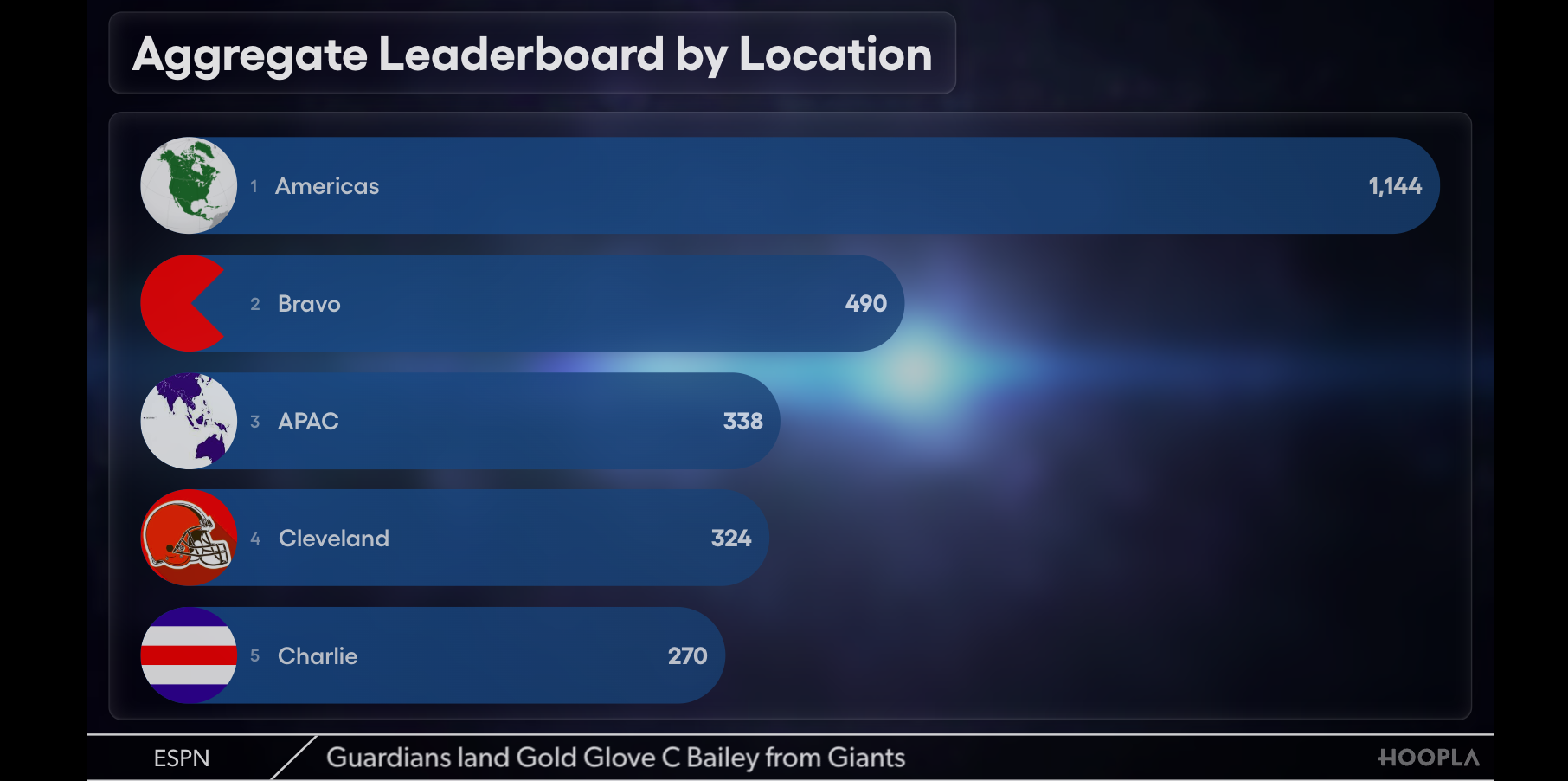
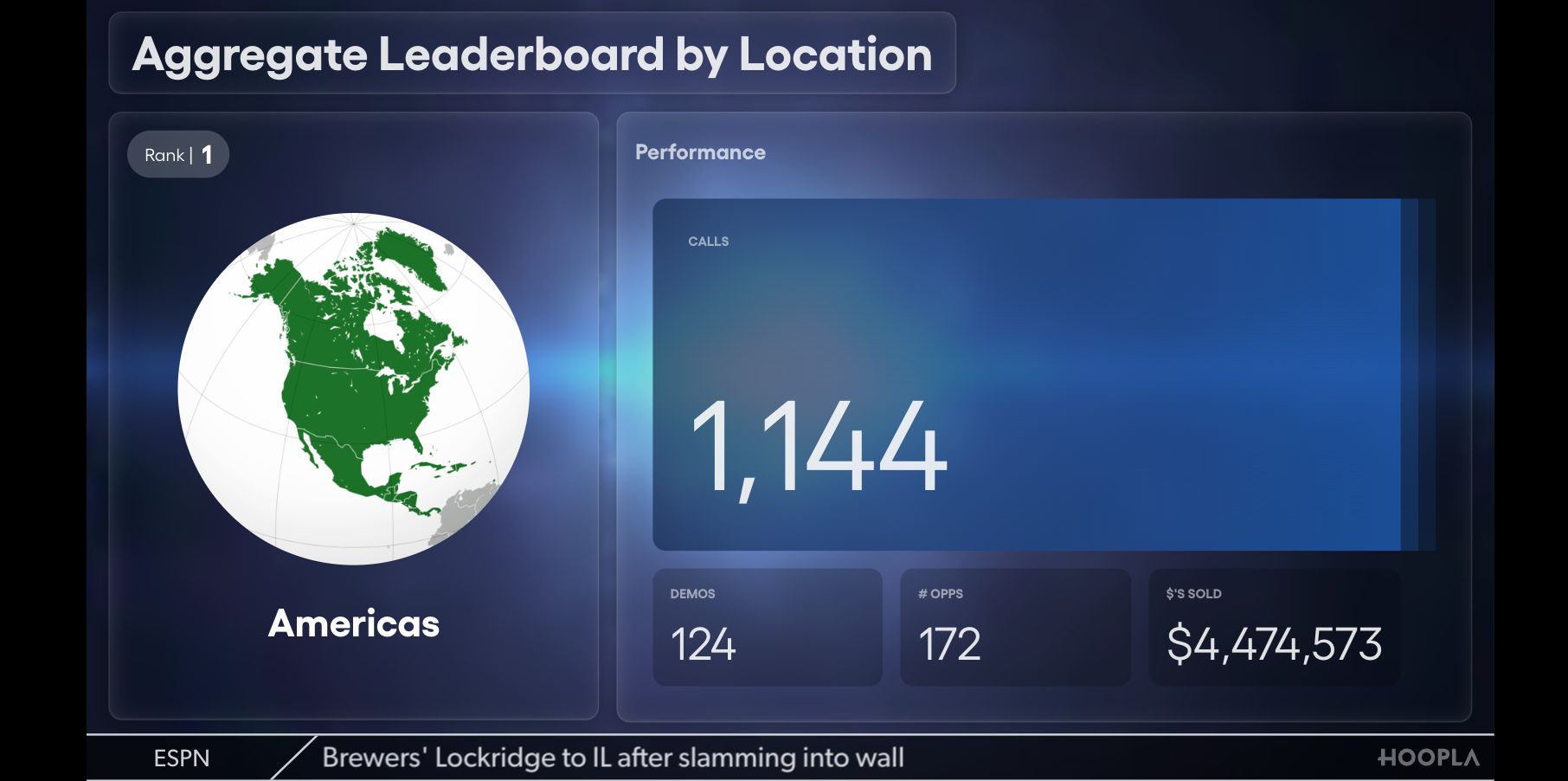
Glass Bar Graph:
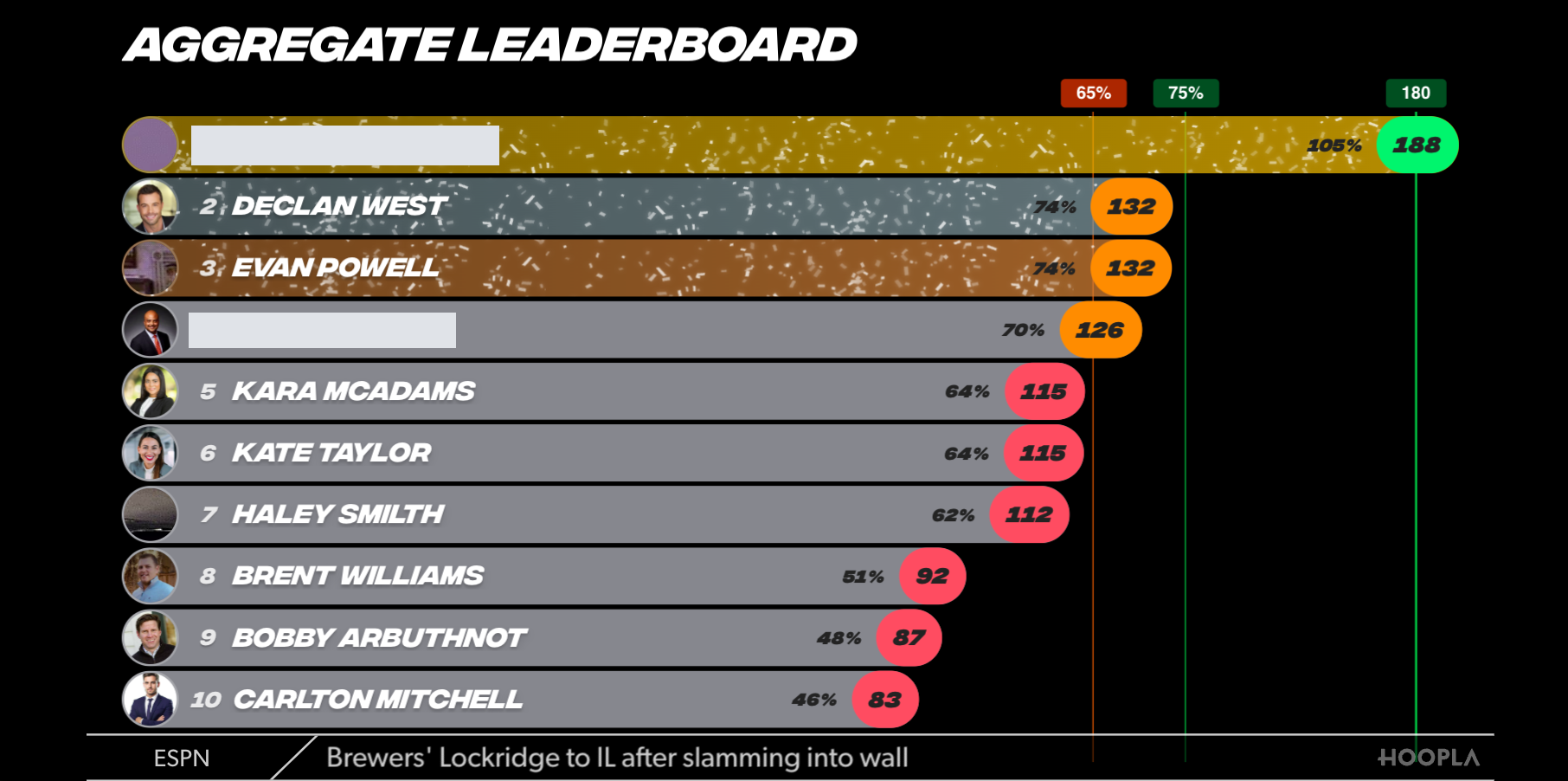
Section titled “Glass Bar Graph:”Shows a bar graph format for all users, then highlights the top 3 players.
Mountain Climbers:
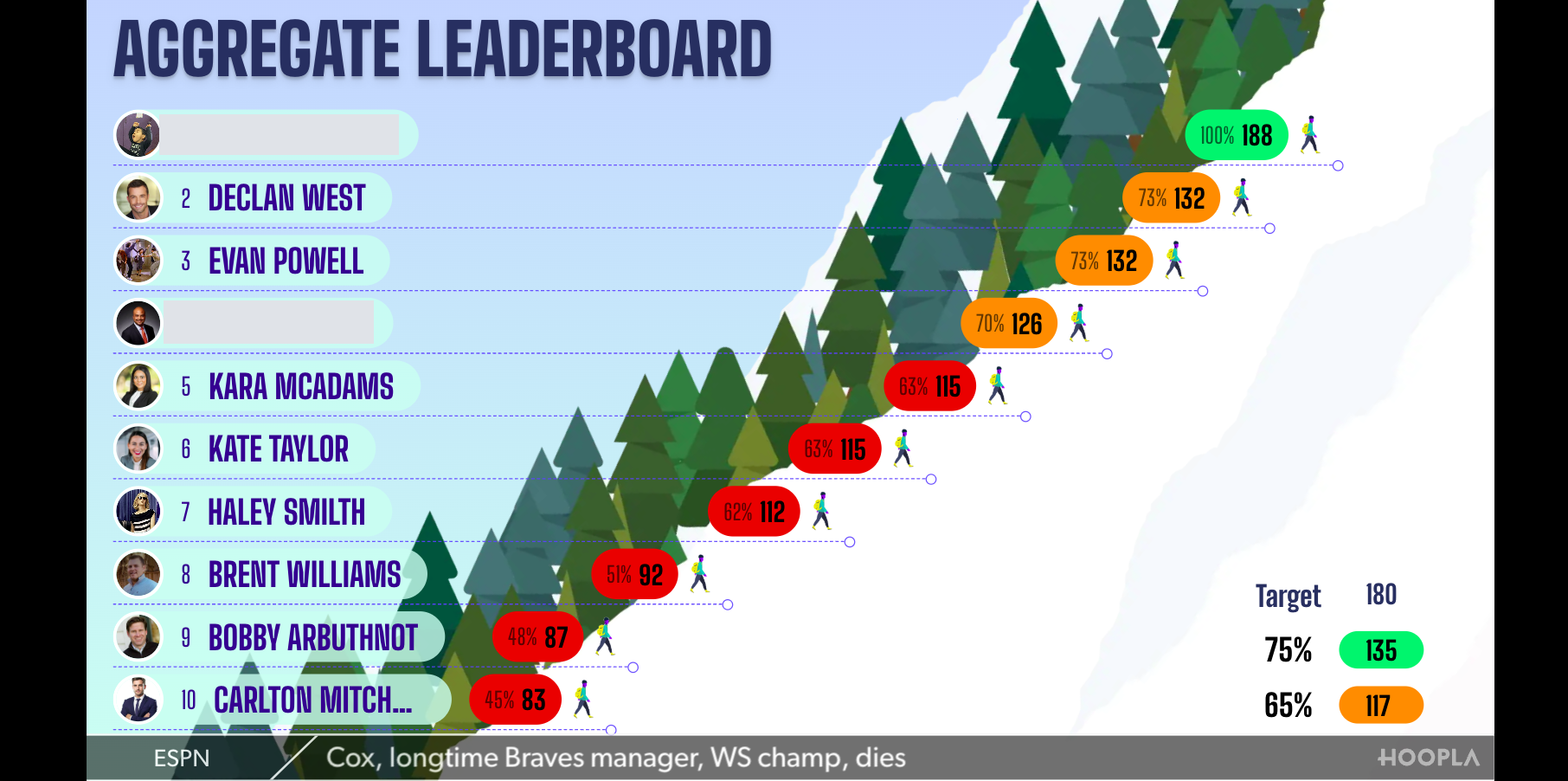
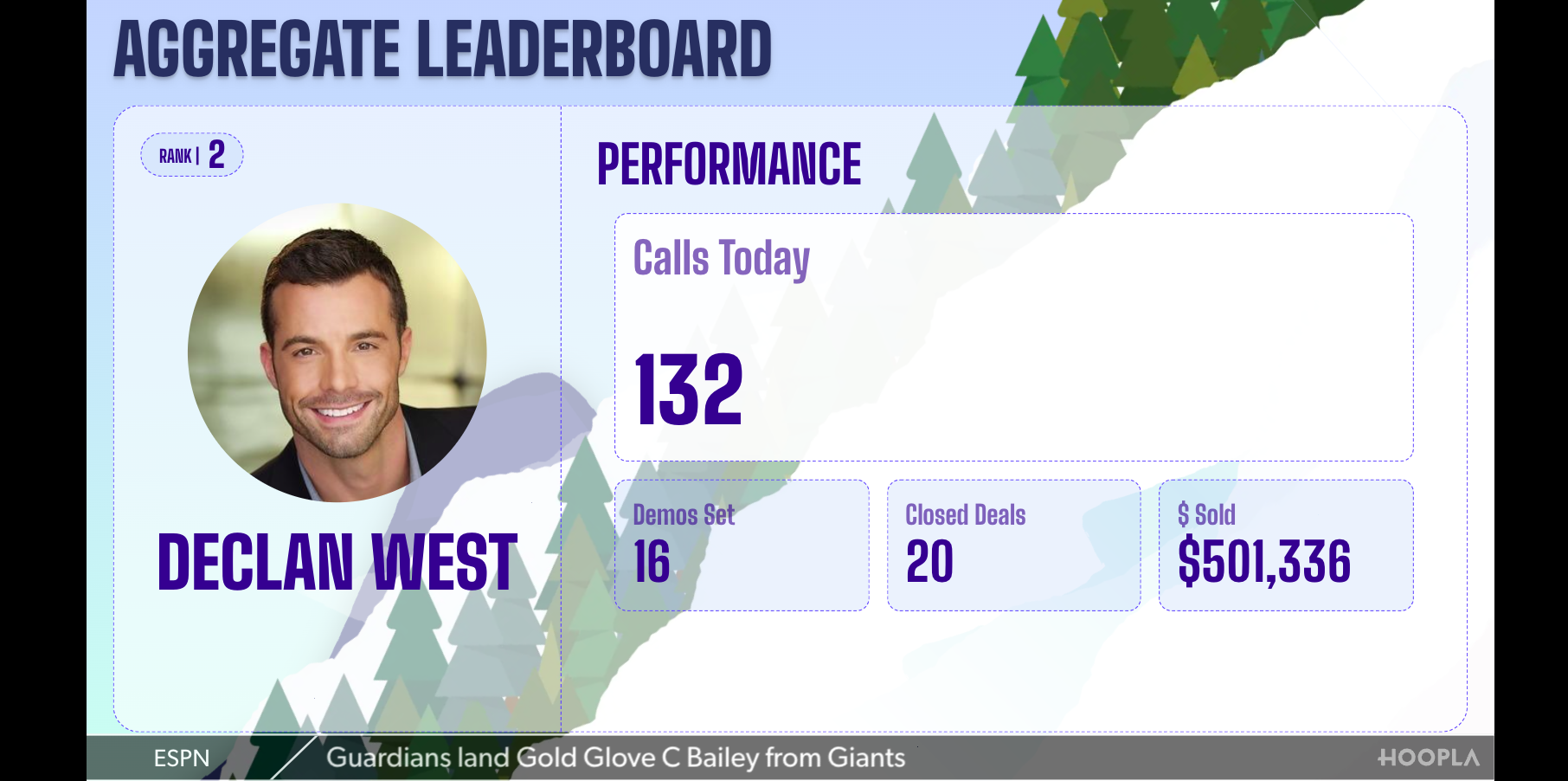
Section titled “Mountain Climbers:”Shows the players climbing the mountain then will highlight the top 3 players.
Currently only shows snow covered mountain.
Spotlight:
Section titled “Spotlight:”Highlights the top 5 players.
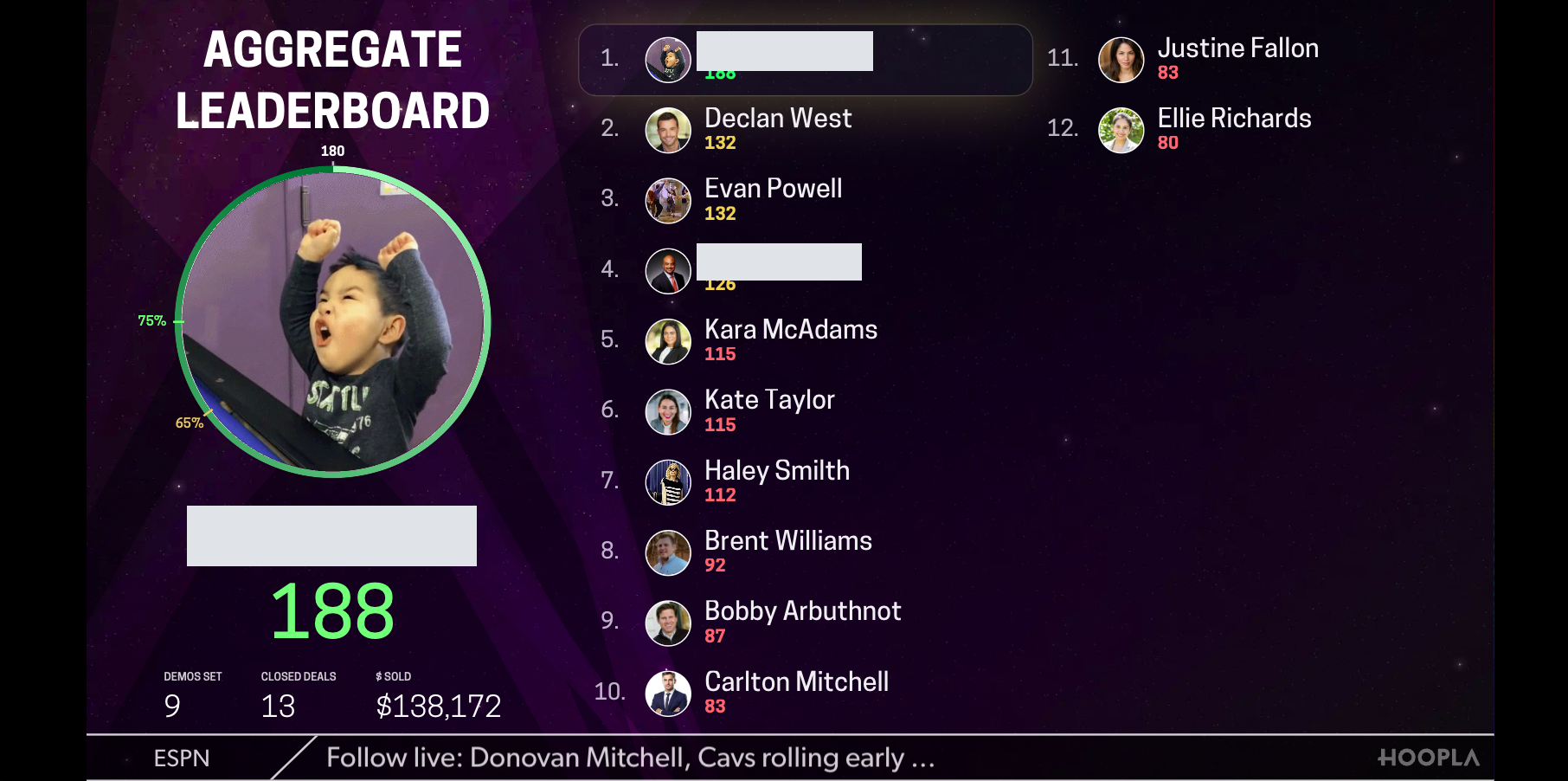
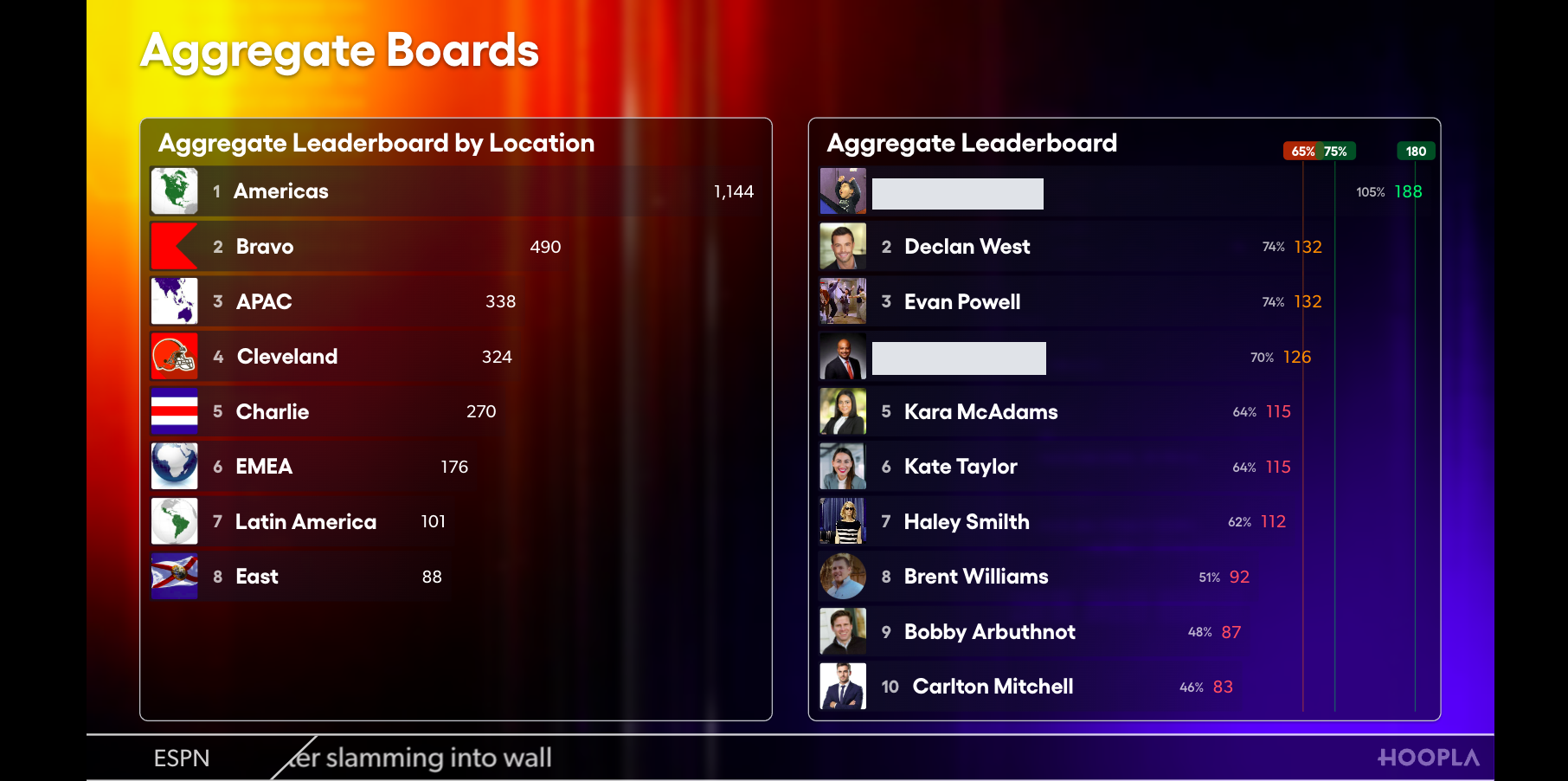
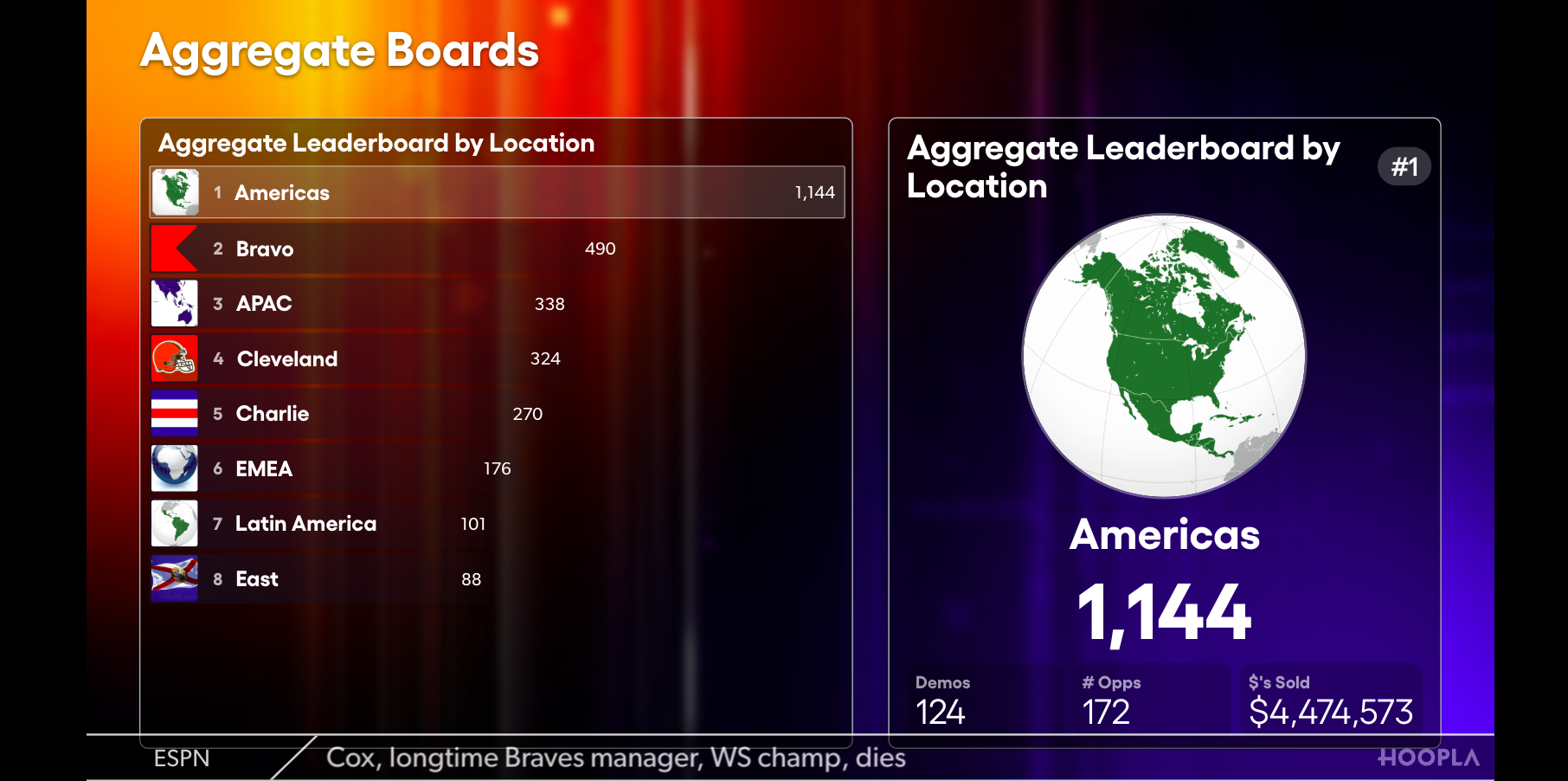
Side by Side:
Section titled “Side by Side:”Two leaderboards shown on the same screen then highlights the top 3 players from each board. Name must be given to the board.
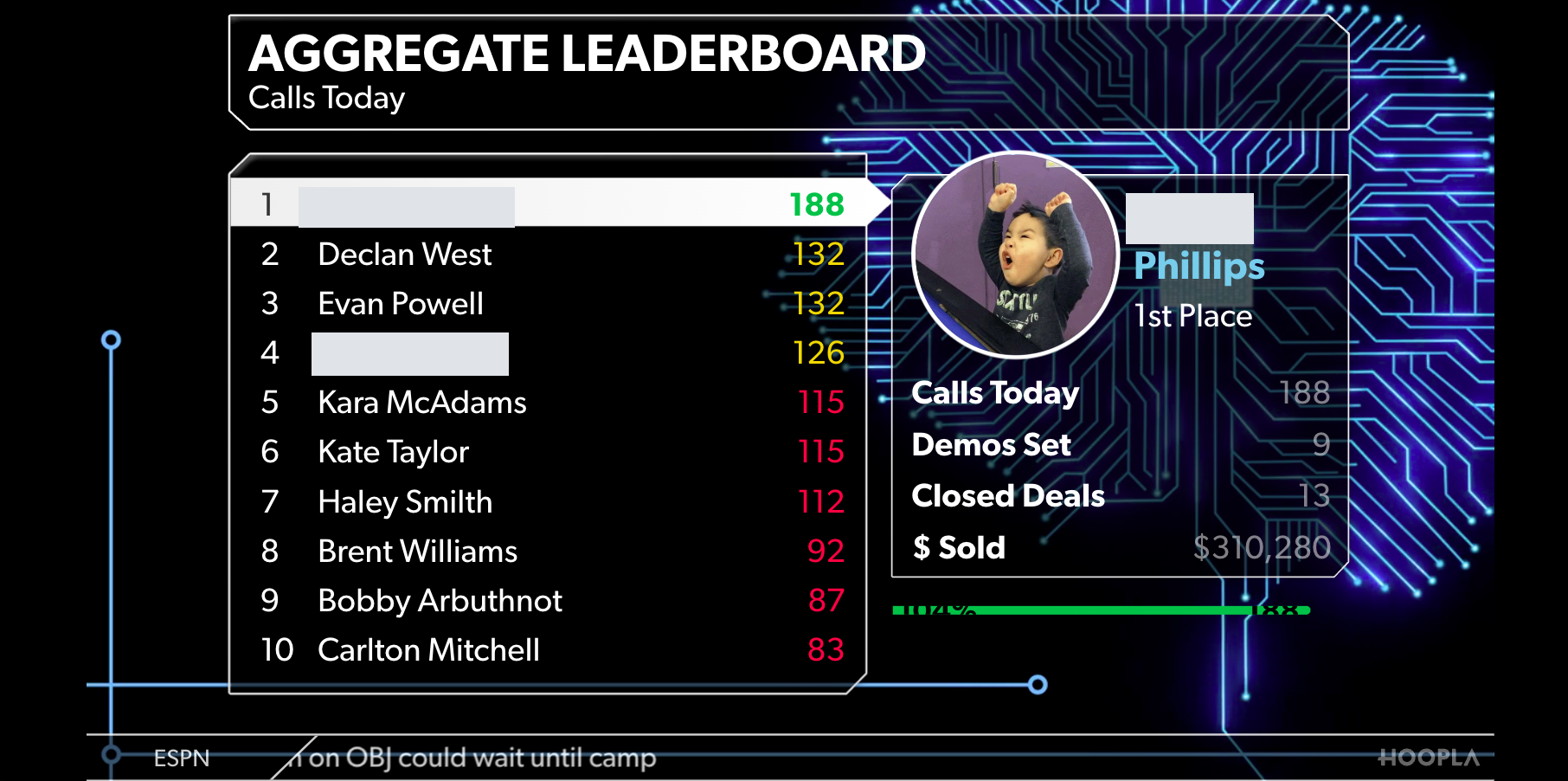
Classic:
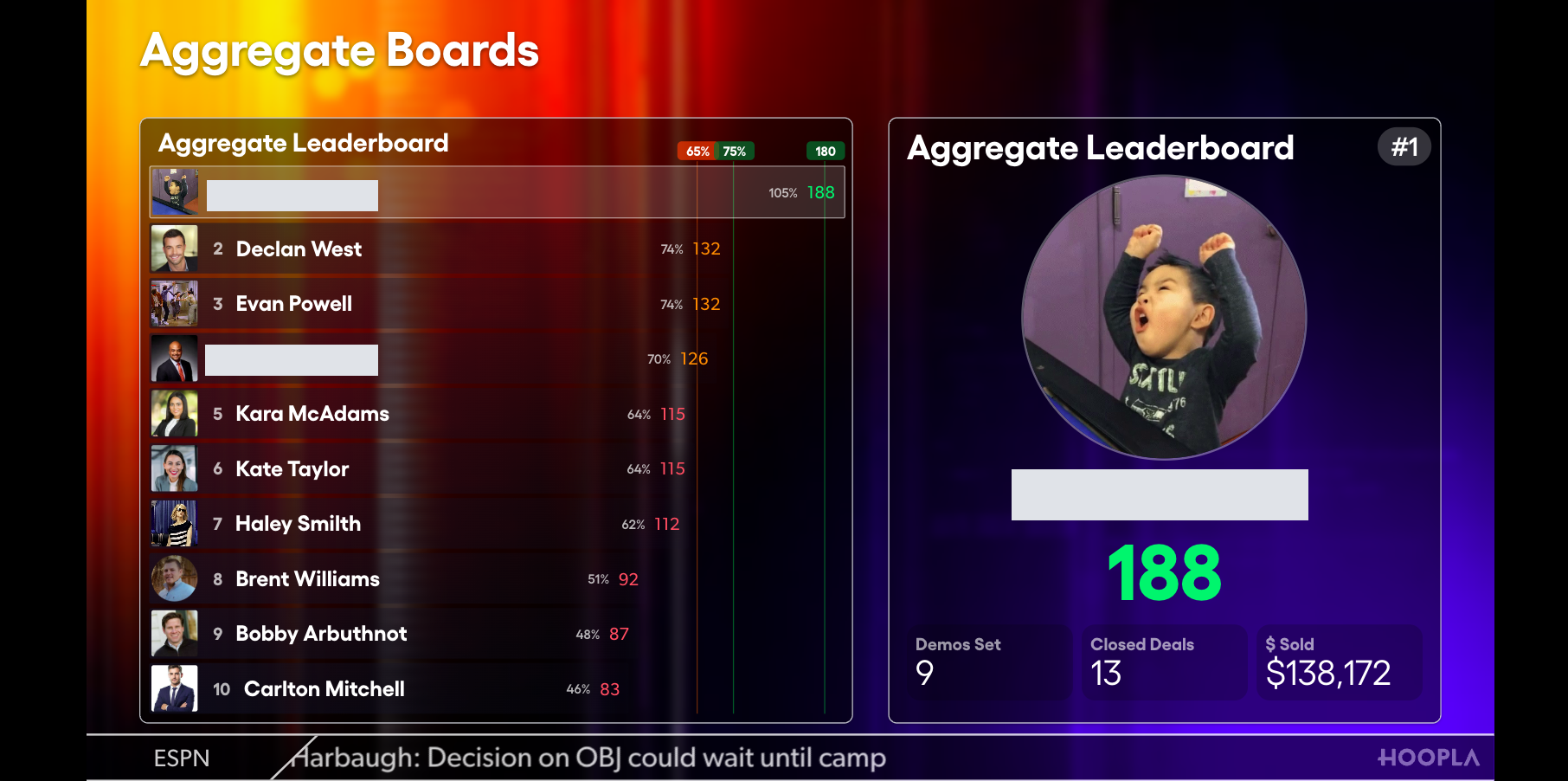
Section titled “Classic:”Default leaderboard type. Highlights top 3 players and shows all metrics. Only primary metric shown for full board.
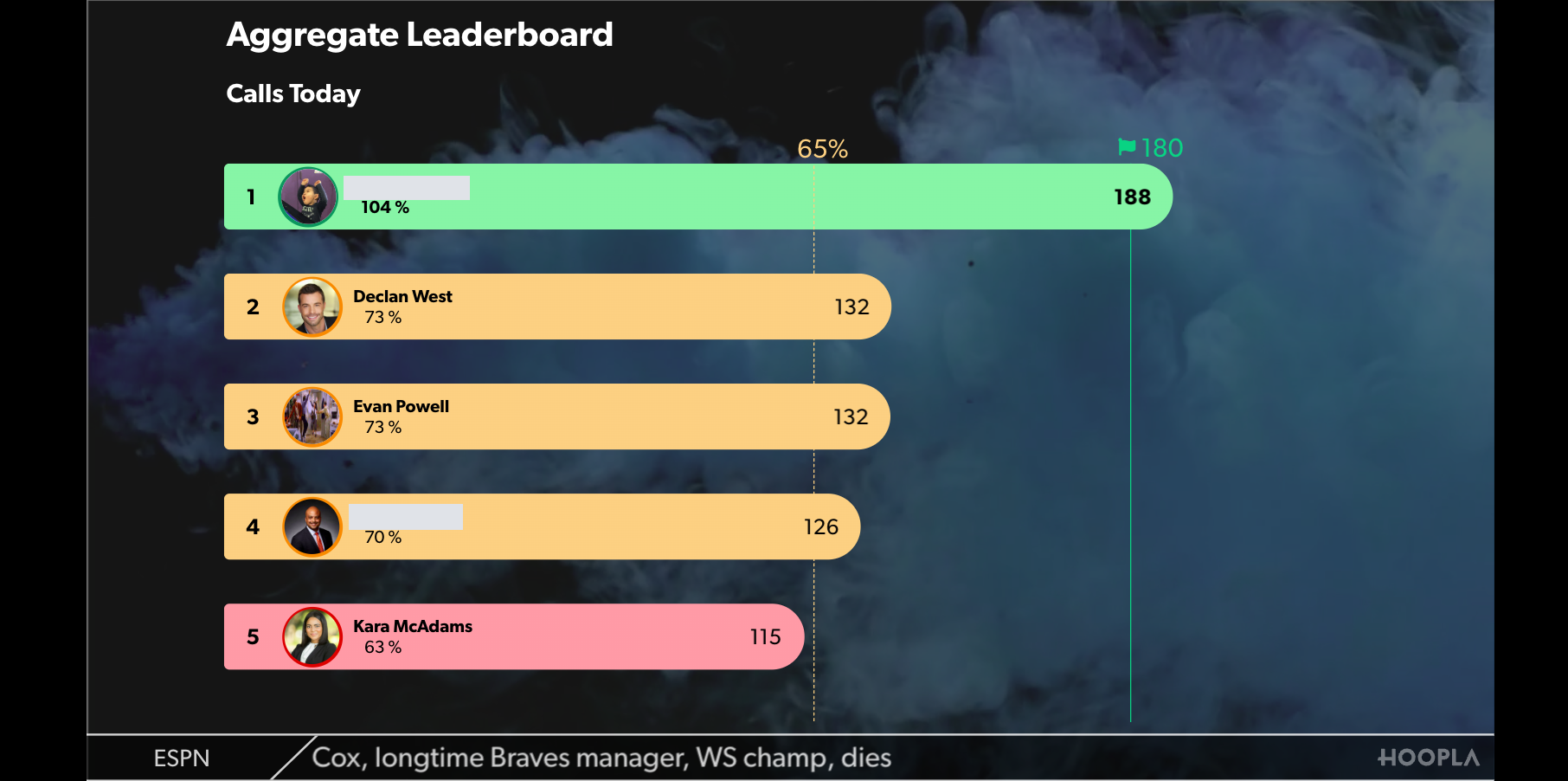
Bar Graph:
Section titled “Bar Graph:”Shows only the first metric. Example below shows color indicators with targets.
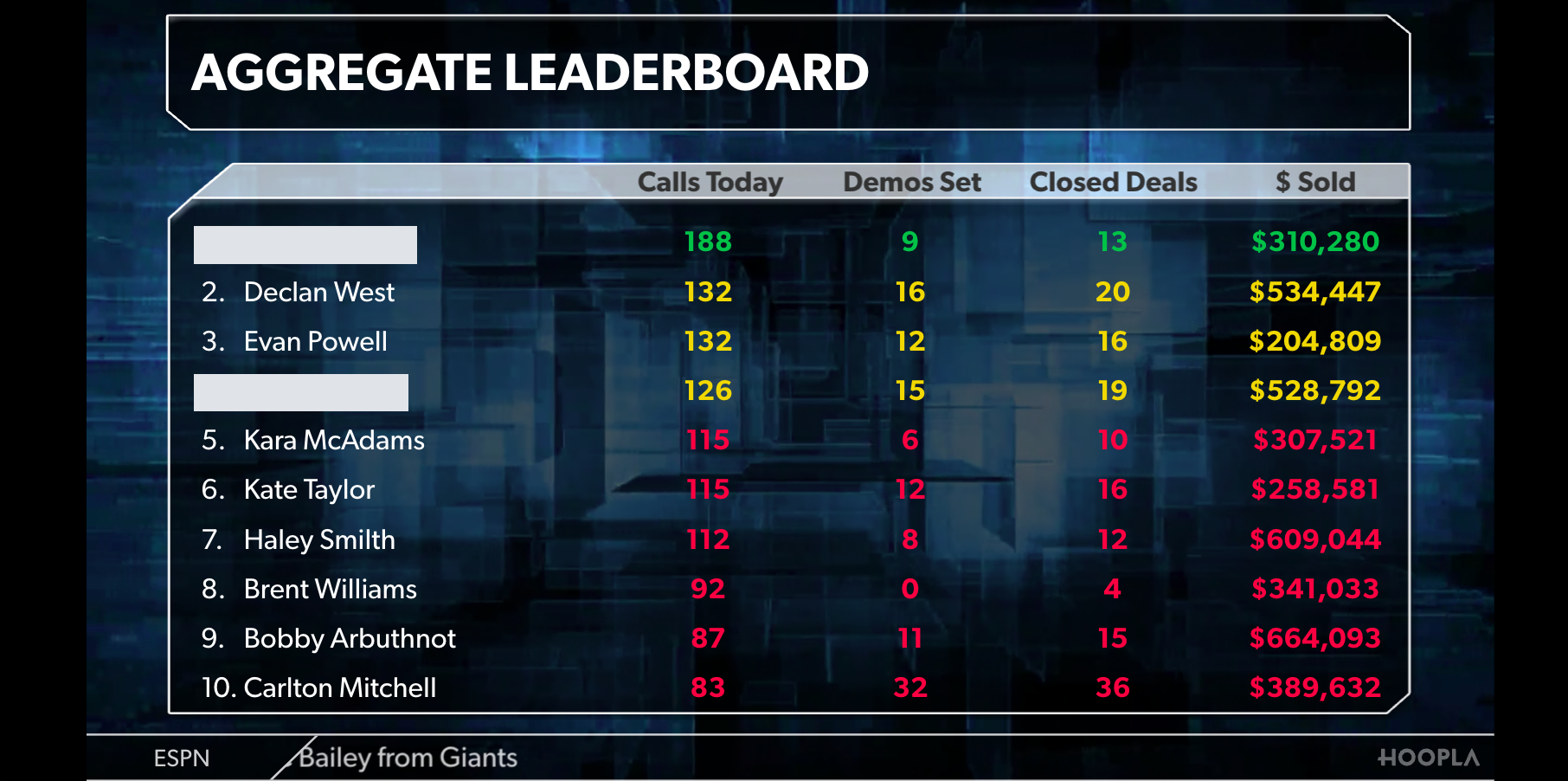
Multiboard:
Section titled “Multiboard:”Shows all metrics in tabular format. No photos shown with rankings, but does show with top movers.
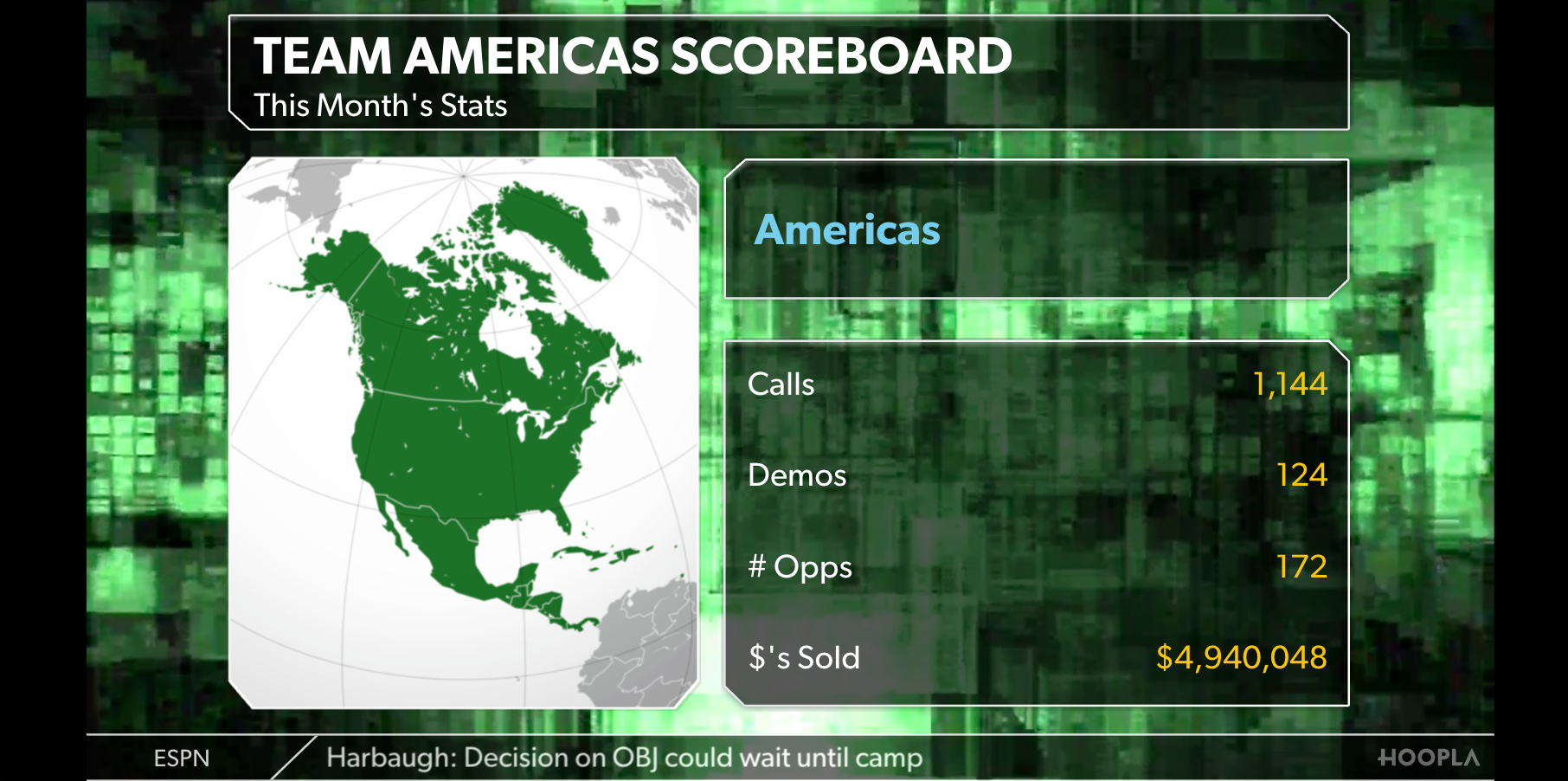
Profile:
Section titled “Profile:”Will highlight top player or custom number of players. Title and Subtitle of the board can be changed in the channel.
Still having trouble?
Email our support team.