


How-to · Displai
Display weather on your screens
Add a Weather presentation that shows the current weather and 5-day forecast for any city on your screens.
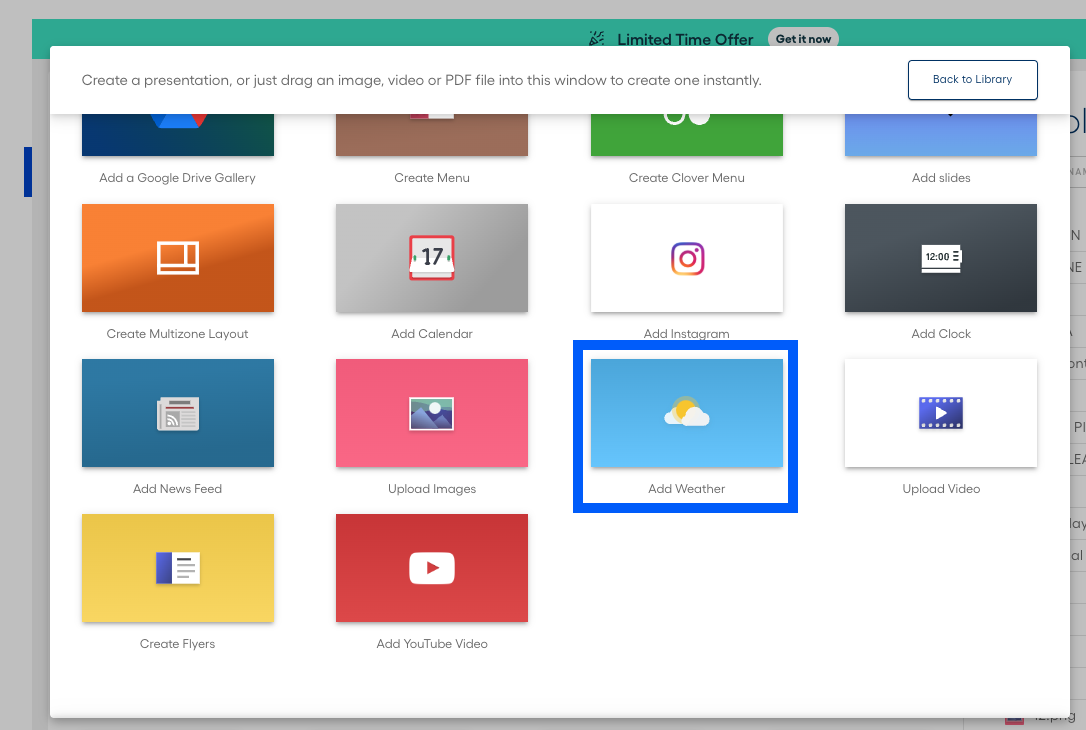
The weather application allows you to display your current weather and 5-day forecast for any location to your Displai screens. Let the sun shine! From your Library, click the + icon to create a new presentation, then click on “Add Weather”.
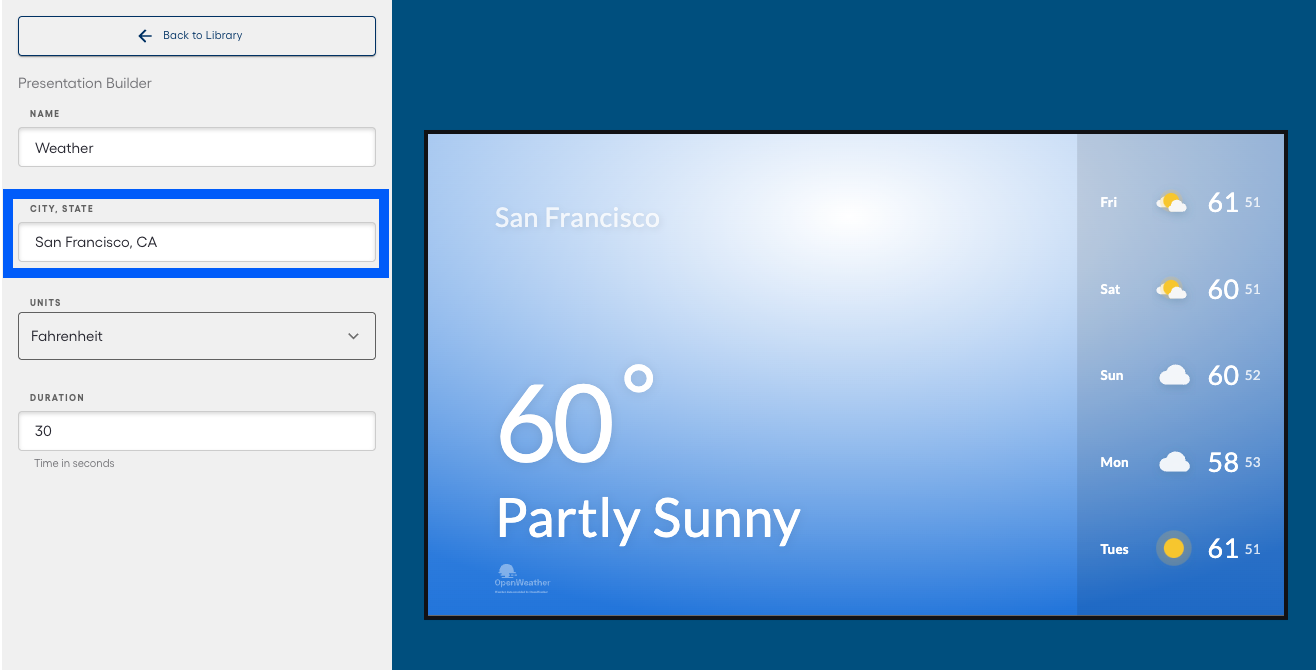
Once you have selected your weather app, simply enter your current city and state (or the city and state of the weather you want to show). Voila, you now have a 5 day forecast in real time.
Now simply add this presentation to any playlist that you want to publish to any screen and your weather is live.
Related articles
Section titled “Related articles”- Create and publish playlists to screens Create a playlist in your Library, add and order presentations, then assign and publish it to your screens.
- Display AQI India weather and air quality information Add the AQI India app to show weather and air quality information for a major city on your screens.
Still having trouble?
Text the 24/7 line or email support.