


How-to · Hoopla
Add custom badges
Upload custom badge images and assign them to Hoopla milestones.
Badges are located in the Data section of the system.
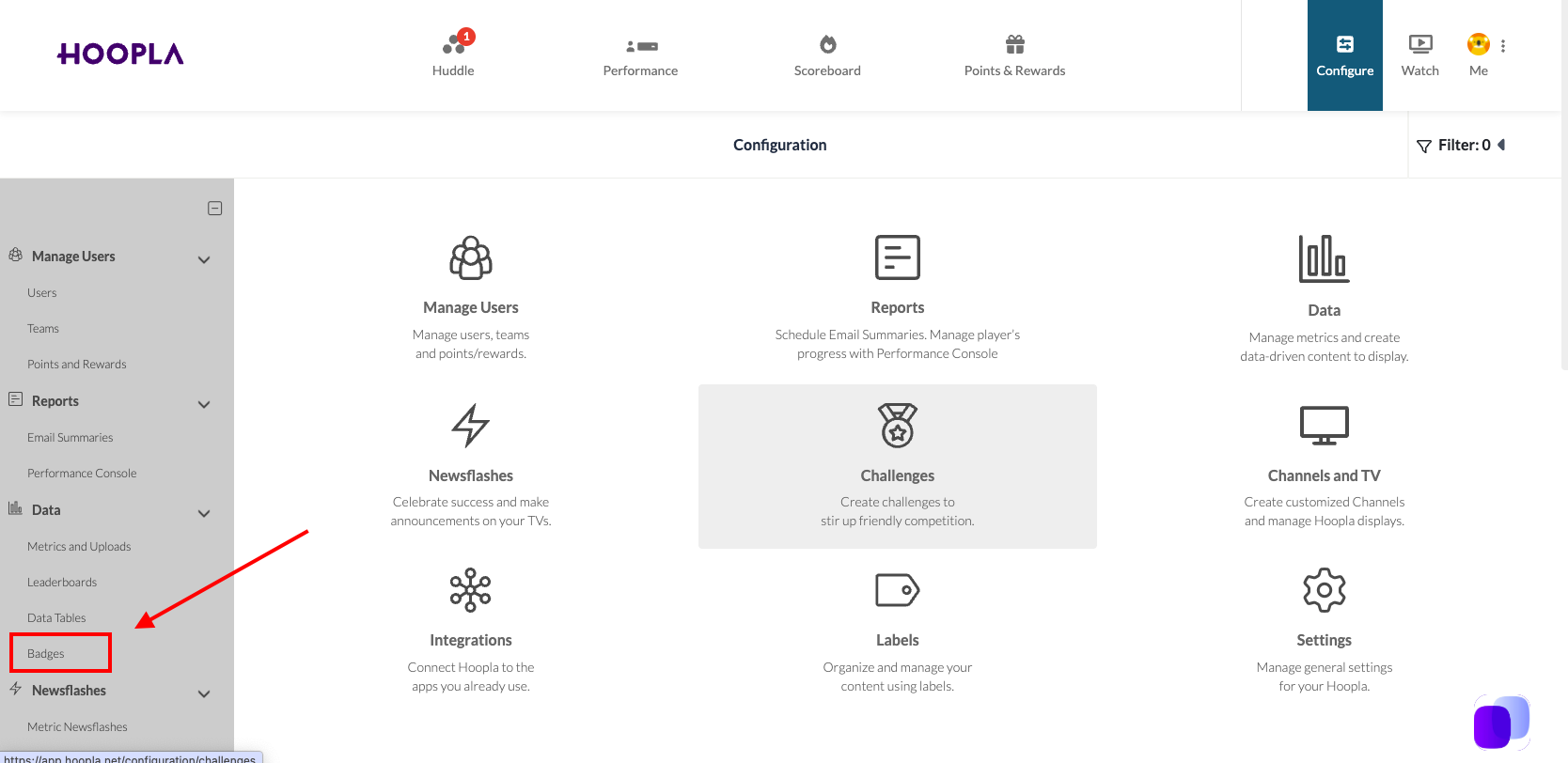
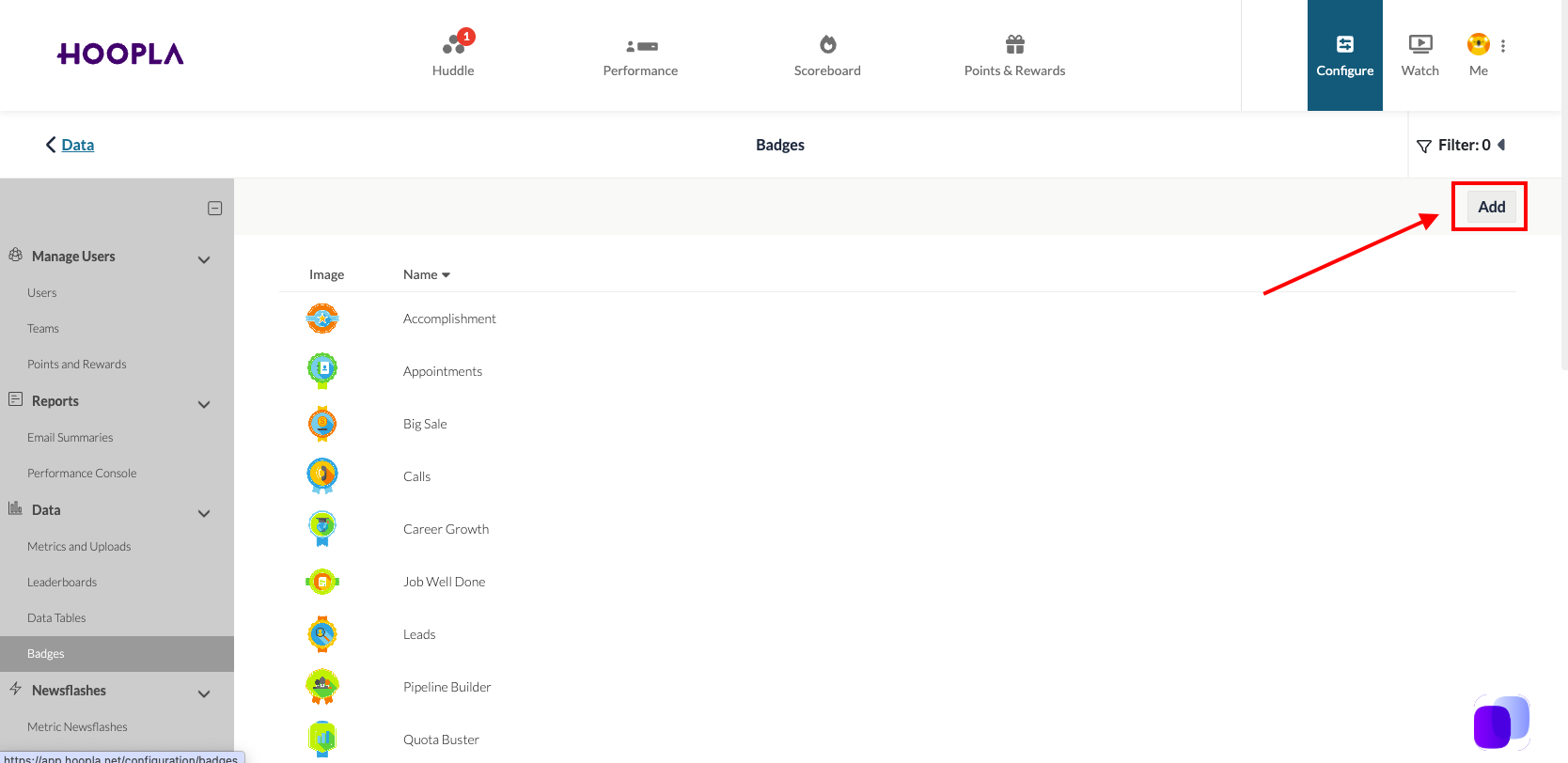
On the page, you will see all of the current badges. To add a custom badge, click the add button in the top right corner:
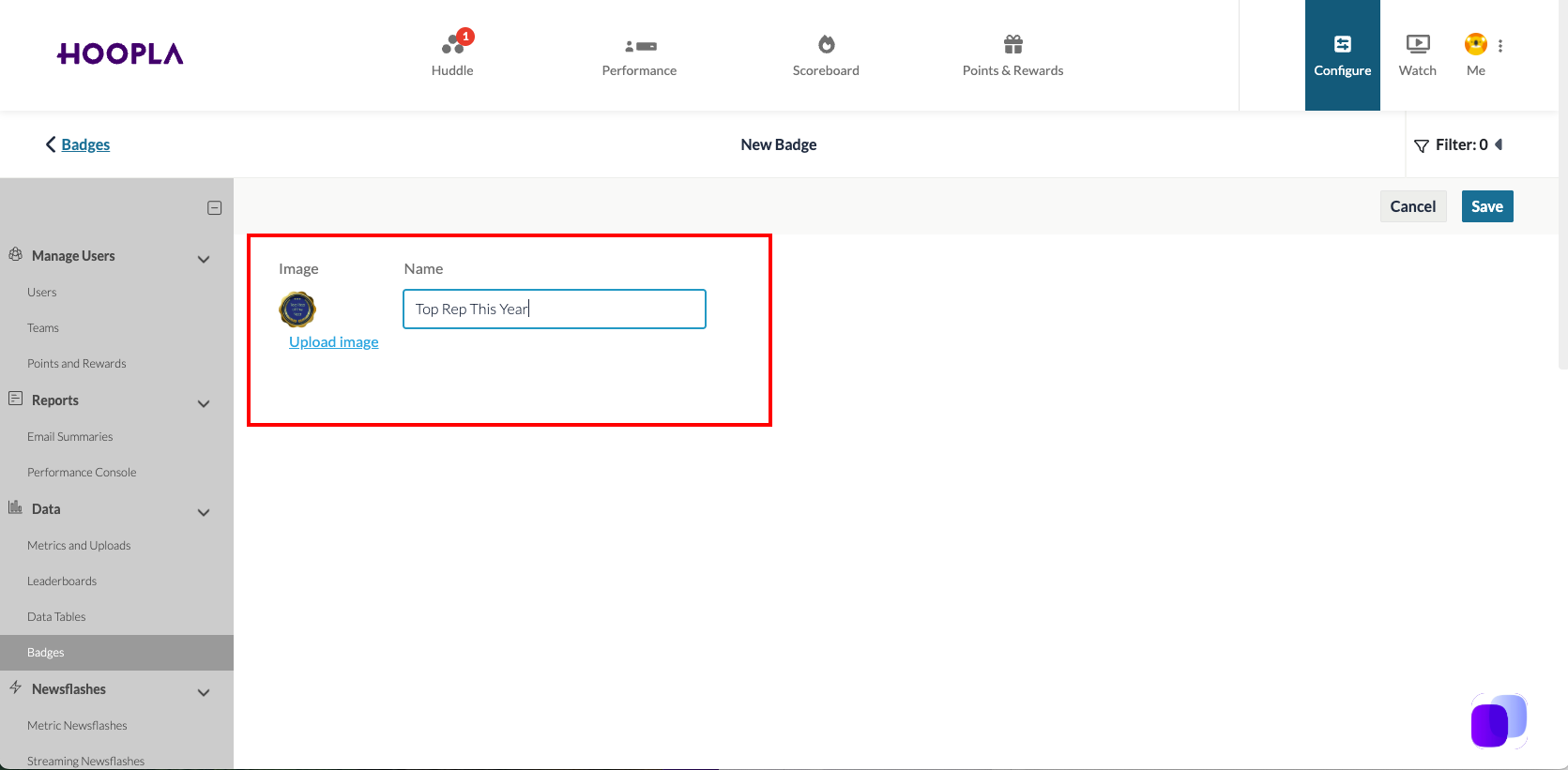
Upload your custom badge image, give the badge a name and then Save.
Your new badge will appear in the list and is now ready for use:
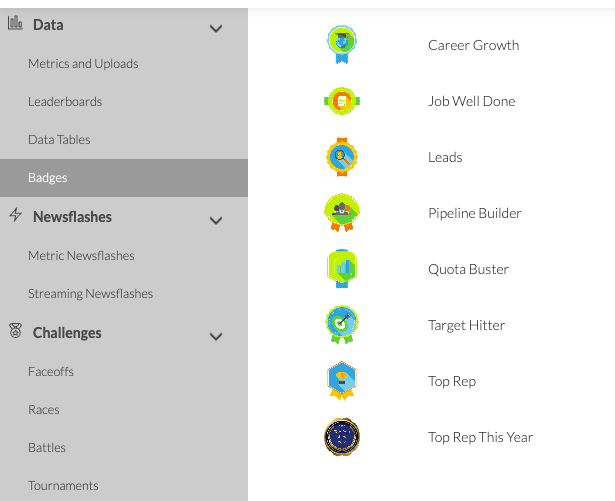
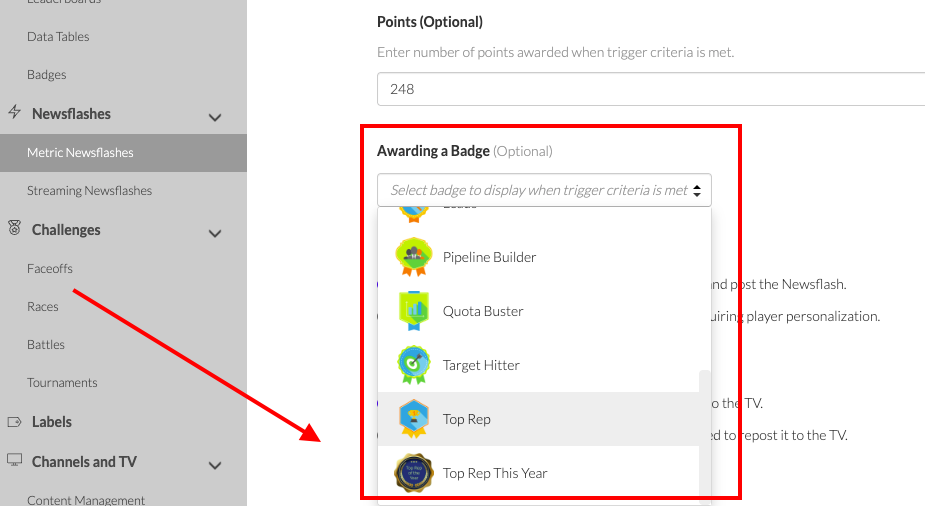
The new badge will be available in the selection area for badges in the newsflash:
Badges accrue in the Performance Console Trophy Case and also on the user profile (Admin view).
Still having trouble?
Email our support team.