


How-to · Hoopla
Log in to Hoopla
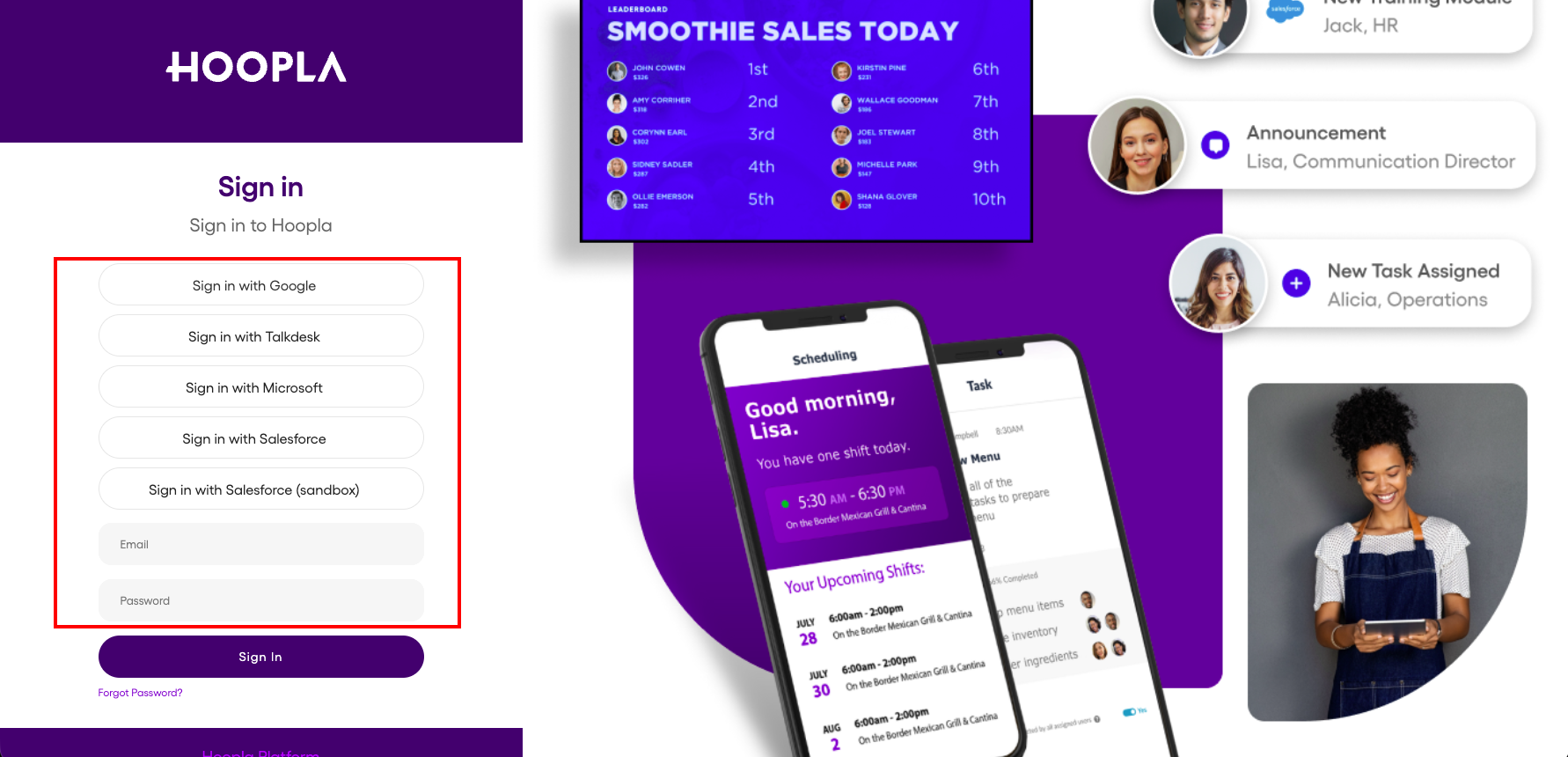
Sign in to Hoopla with your email and password or your Salesforce account.
Log into Hoopla
Section titled “Log into Hoopla”If you haven’t already logged in, go to app.hoopla.net. Depending upon how your account was made, there are multiple ways to log in. Check with your Admin if you are not sure.
-
Received a Hoopla email: Enter your email and password you created using the link from the email invitation.
-
Salesforce, Dynamics, TalkDesk and Auth0 users all have different options.
Still having trouble?
Email our support team.