


How-to · Hoopla
Add news, traffic and weather
Add news, traffic and weather steps to your Hoopla channel and configure their location and duration.
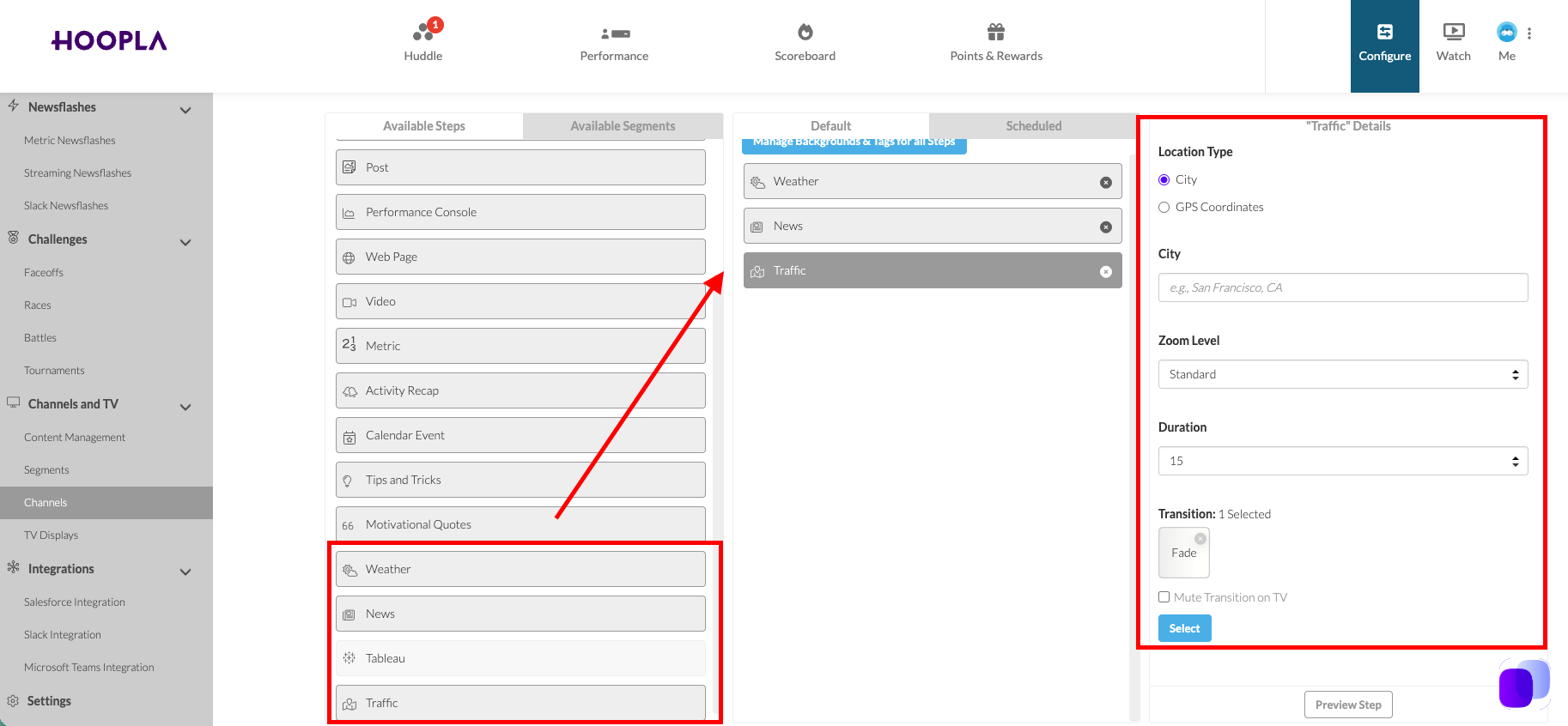
In the channel lineup options, we now have News, Traffic and Weather.
To add to your lineup, drag the appropriate step to from the Available to Default column:
News options
Section titled “News options”Choose Source, Mode, Story Duration and Total Duration:

Traffic Options
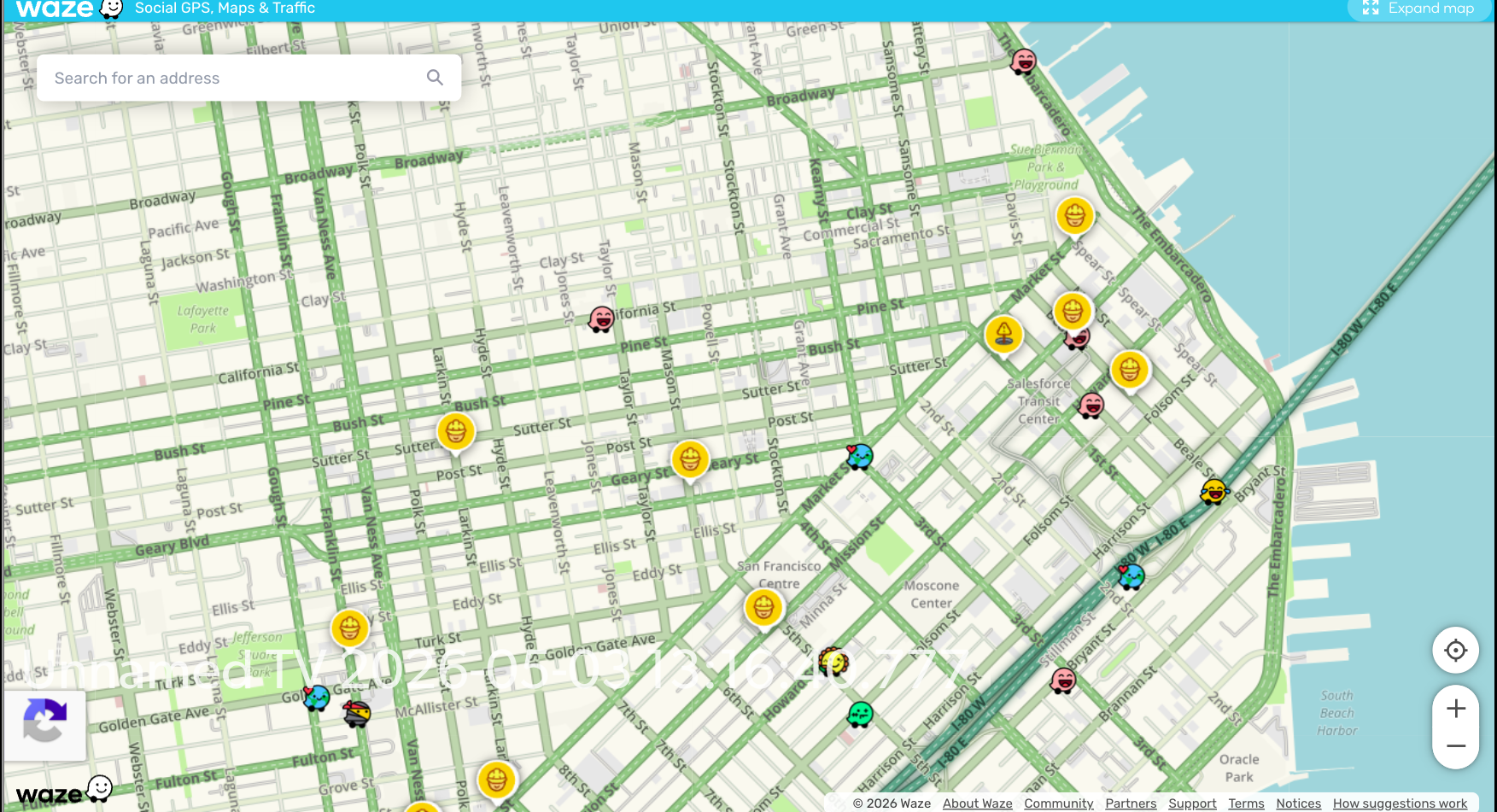
Section titled “Traffic Options”Enter City or GPS Coordinates, Zoom Level and Duration. Powered by Waze.
Weather Options
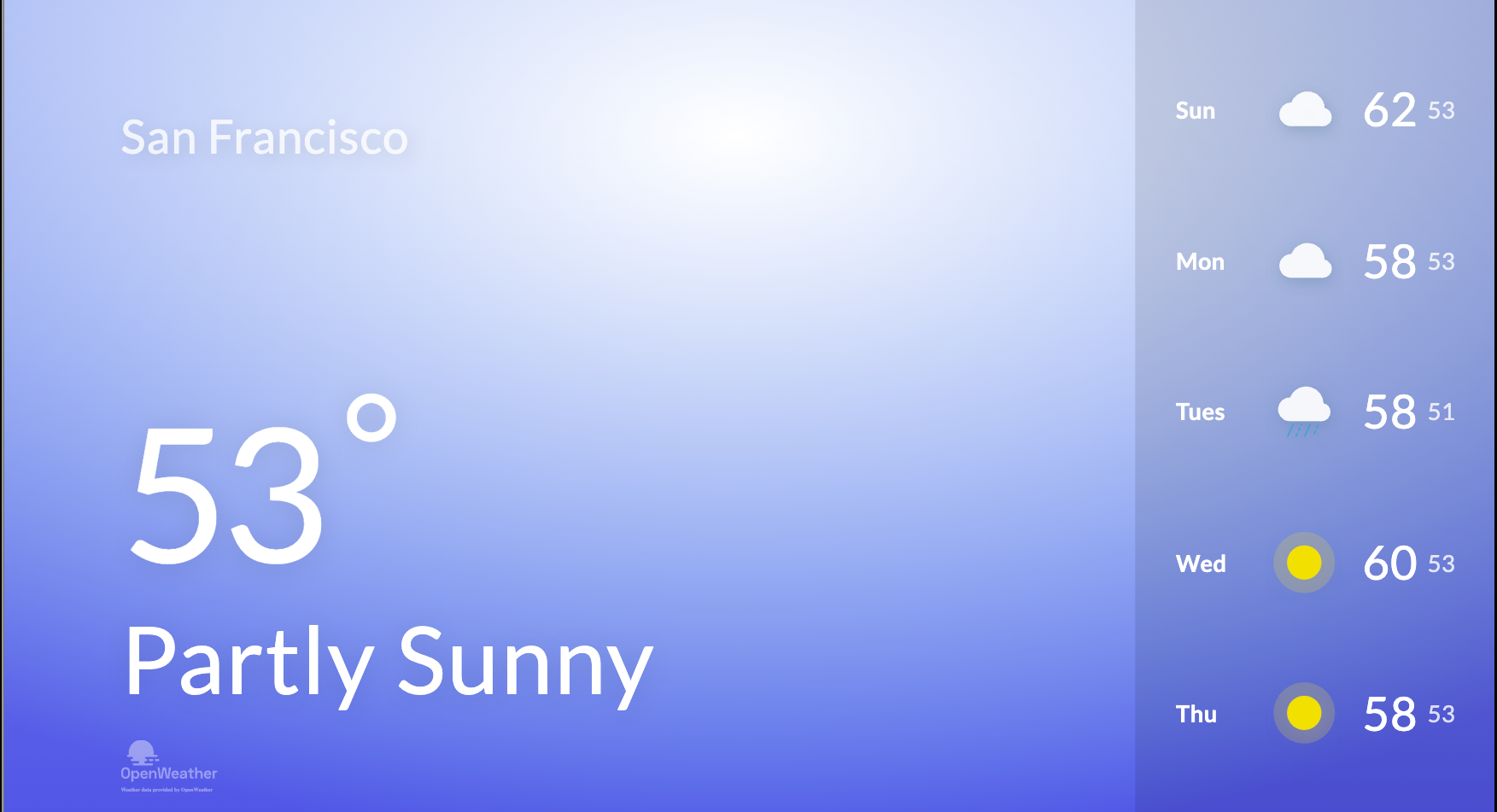
Section titled “Weather Options”Enter City, Units and Duration.
Still having trouble?
Email our support team.