


How-to · Hoopla
Show a Tableau dashboard in a channel
Add a Tableau dashboard to your Hoopla channel and choose how often it refreshes.
To show a Tableau dashboard in the channel, first make sure the Tableau Integration is Authenticated.
See this document for instructions: Authenticate Tableau.
Adding the step to your Channel
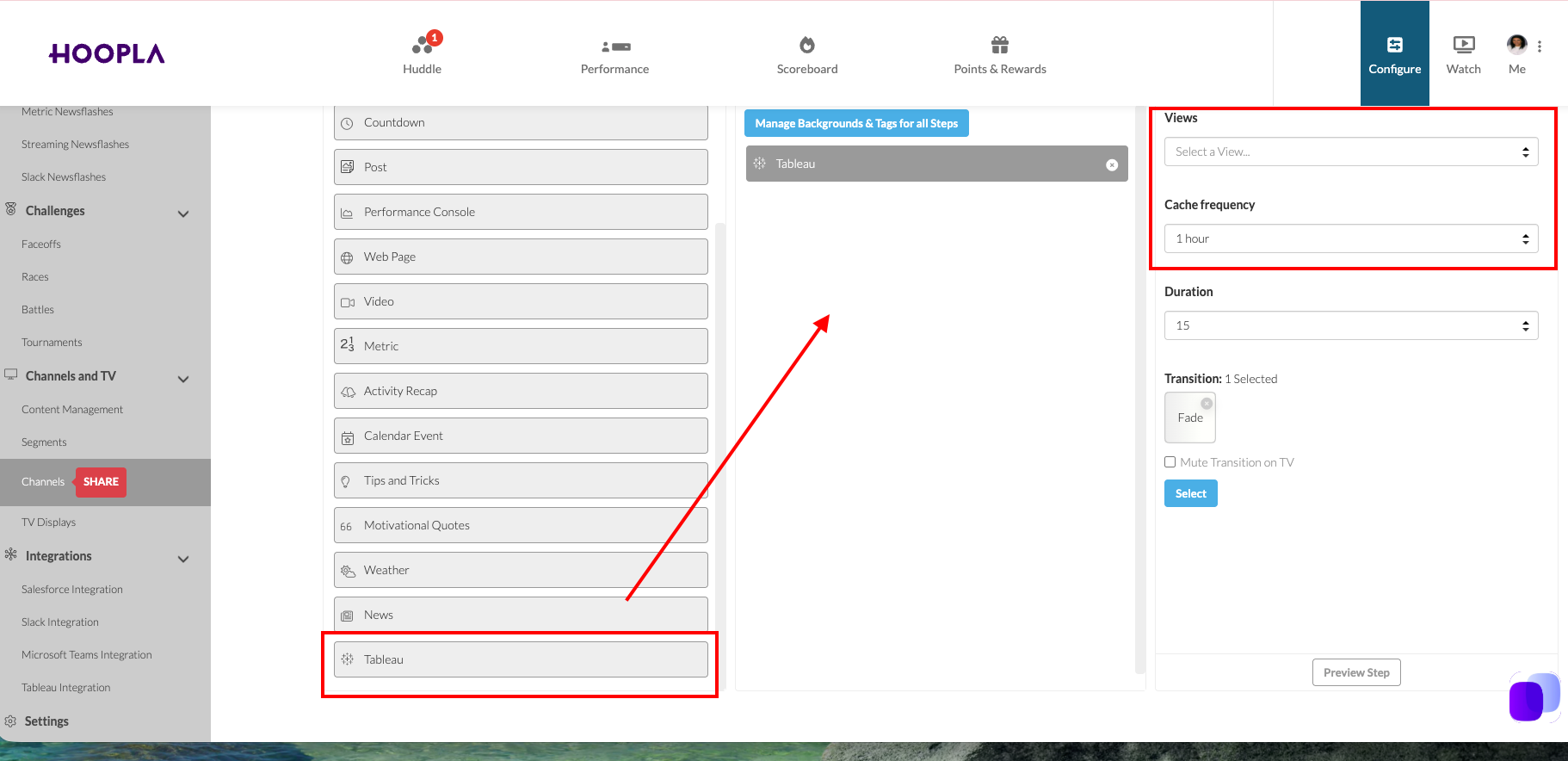
Section titled “Adding the step to your Channel”Navigate to the channel and locate the Tableau step at the bottom of the Available Options.
Drag the step to the Lineup.
Select the View and Cache Frequency.
Save. The Tableau step will not preview because it grabs the data after it is saved. You can then play the channel to see the data.
Still having trouble?
Email our support team.